
When I started working from home full time, I wanted an aquarium in my office but worried it would clutter an otherwise carefully organized, minimalist setup. What I learned through some trial and error is that a home office aquarium actually needs to solve a few very specific problems — video call framing, cable management, and matching a restrained modern palette — that a typical living room tank never has to consider.
This guide walks through the process step by step, covering both the aesthetic and practical sides of adding an aquarium to a modern workspace. Each step includes a detailed image prompt so you can visualize the finished setup before making any purchases or rearranging your desk.
Why a Home Office Aquarium Needs Its Own Approach
Unlike a living room or bedroom tank, a home office aquarium has to coexist with work equipment, video calls, and focused tasks throughout the day, which introduces considerations most general decor advice doesn't address — camera framing, cable management, and noise levels all matter here in ways they simply don't in other rooms. Planning around these office-specific factors from the start avoids having to retrofit a tank that wasn't designed with them in mind.
Step 1: Choose a Sleek, Frameless Tank
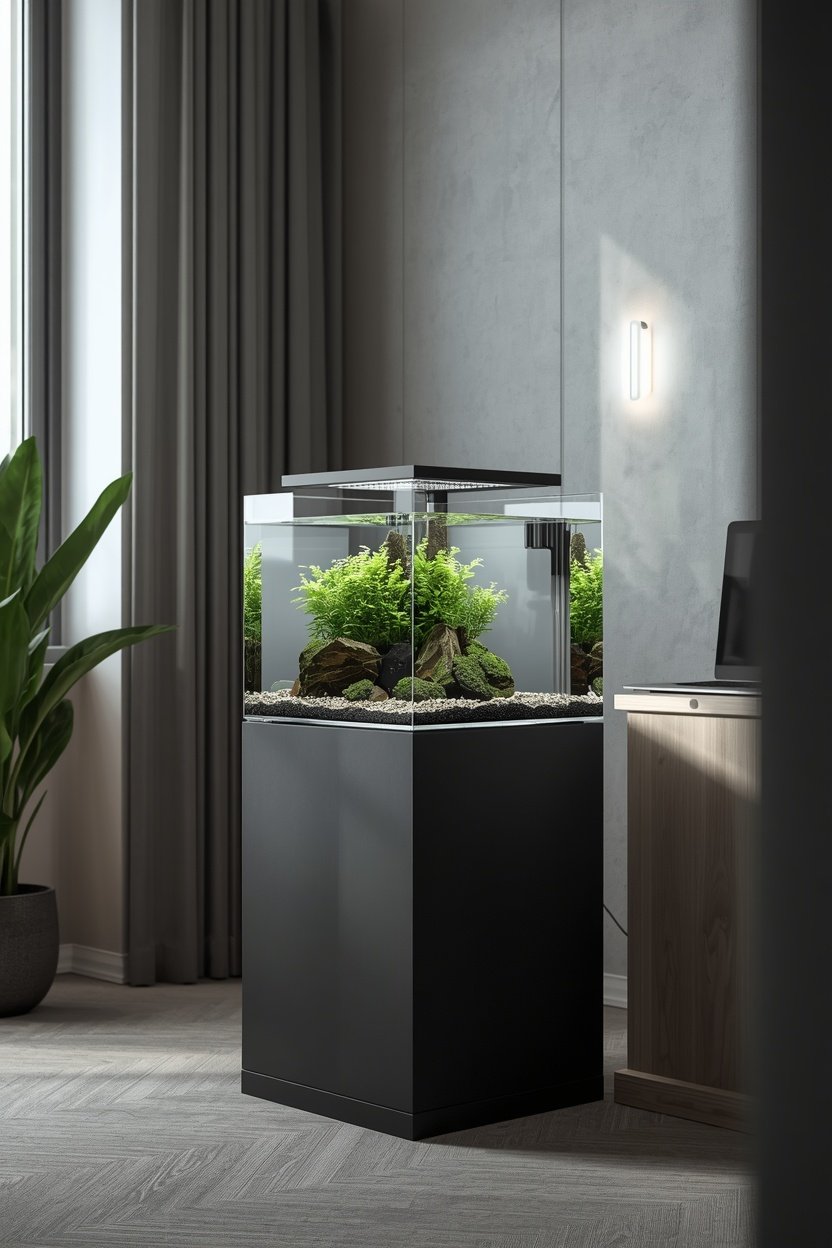
Modern office design leans heavily on clean lines and minimal visual clutter, and a bulky, framed aquarium with a busy plastic hood works directly against that aesthetic. A rimless, frameless tank with a slim, low-profile lid instead reads as a deliberate design object rather than a piece of equipment, fitting naturally alongside modern furniture, monitors, and minimalist shelving.
Pair the tank with a simple matte black or brushed metal stand, avoiding ornate wood carving or busy detailing that would clash with a streamlined office setup. The goal is a tank that looks like it was designed by the same person who chose your desk and chair, not an accessory added on afterward.
This clean foundation also makes future styling easier, since a simple, modern tank shape and stand pair well with almost any hardscape or lighting choice you make later, without fighting an already-busy design underneath.
Step 2: Position It Within Your Video-Call Frame
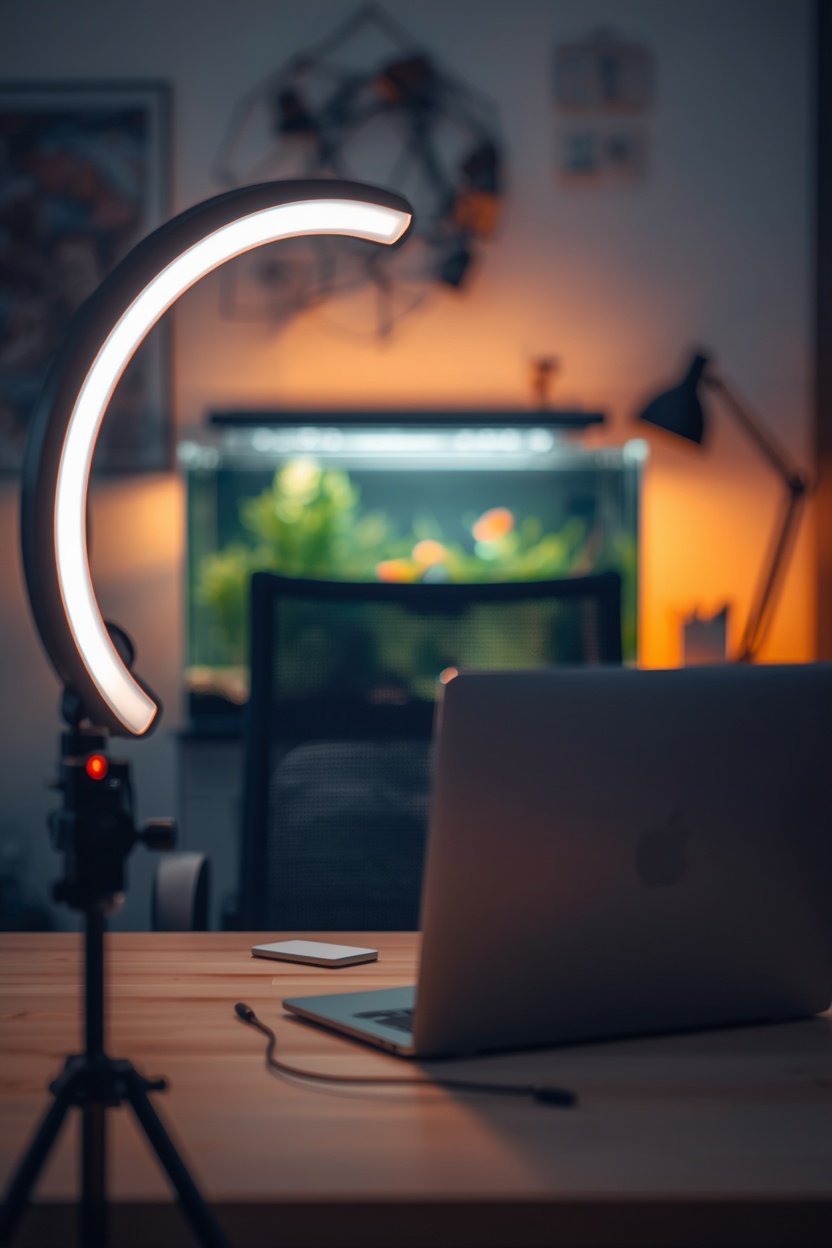
For a home office, one practical consideration most decor guides skip entirely is camera placement — if you take video calls regularly, positioning the aquarium within your webcam's frame turns it into a genuine backdrop feature rather than something only you ever see. A softly lit, well-aquascaped tank visible just behind your shoulder reads as considered and professional, quietly signaling personality without becoming a distraction during meetings.
Test your camera framing before finalizing tank placement, checking that the aquarium sits far enough back to stay in soft focus rather than pulling attention away from you as the main subject. A slightly blurred, glowing tank in the background tends to look far more polished on camera than one placed too close and sharply in focus.
Keep the water level and equipment inconspicuous within that same frame — an external filter or heavy tubing visible directly behind your head can look messier on camera than in person, so it's worth double-checking the view through your actual webcam, not just how the tank looks from your desk chair.
Step 3: Use Monochrome Hardscape to Match Office Decor
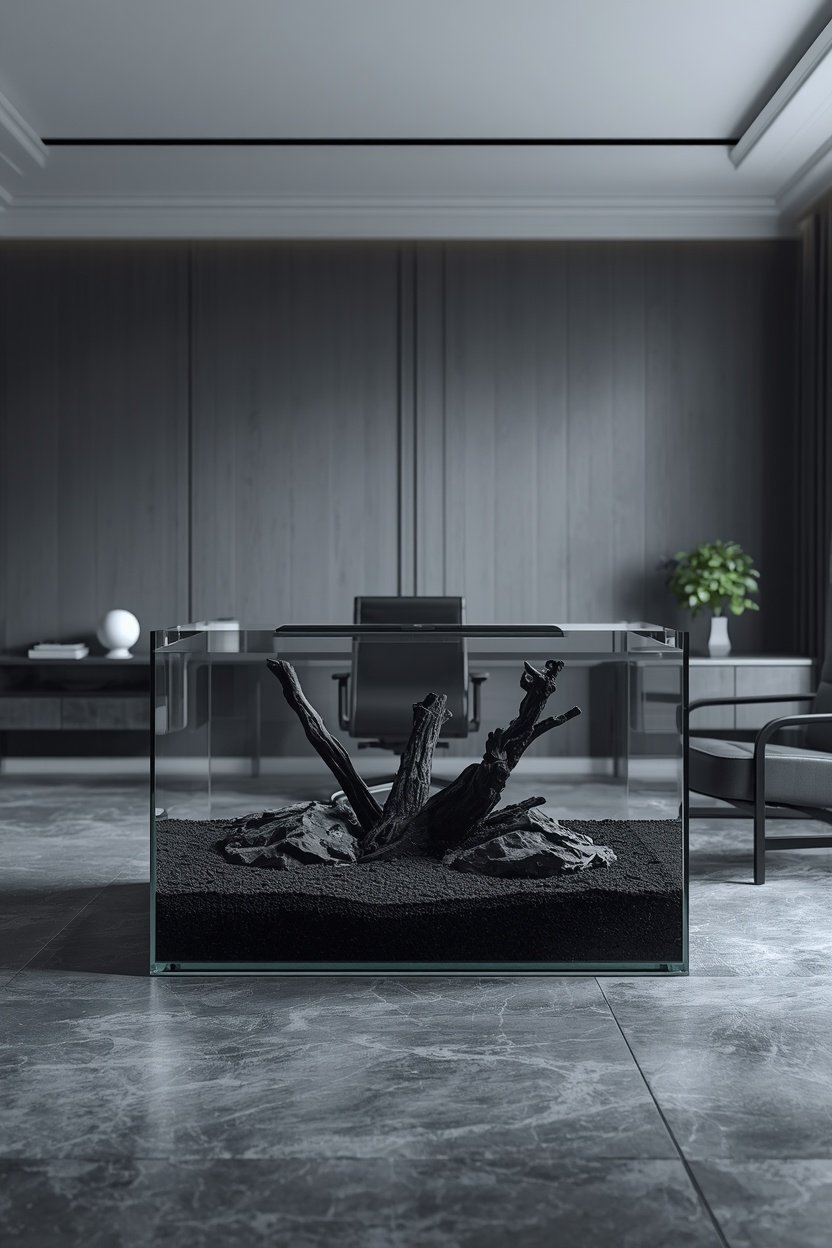
Modern office interiors typically favor a restrained, monochrome palette — greys, whites, blacks, warm wood accents — and an aquarium with mismatched, brightly colored gravel or a busy assortment of ornaments can visually clash with that carefully chosen scheme. Matching your substrate and hardscape tones to the room's existing palette keeps the tank feeling like part of the office rather than a separate, competing display.
Black or dark grey substrate paired with matte stone in similar tones creates a sophisticated, cohesive look that echoes common modern office materials like matte black desk frames or grey upholstery. A single piece of driftwood or one dramatic rock formation, rather than several competing pieces, keeps the layout aligned with the same minimalist restraint found throughout the rest of the room.
This approach also tends to photograph and video-call better than a busy, brightly colored tank, since a restrained palette reads as calm and professional on camera rather than visually loud or distracting.
Step 4: Manage Cables and Noise for a Distraction-Free Workspace
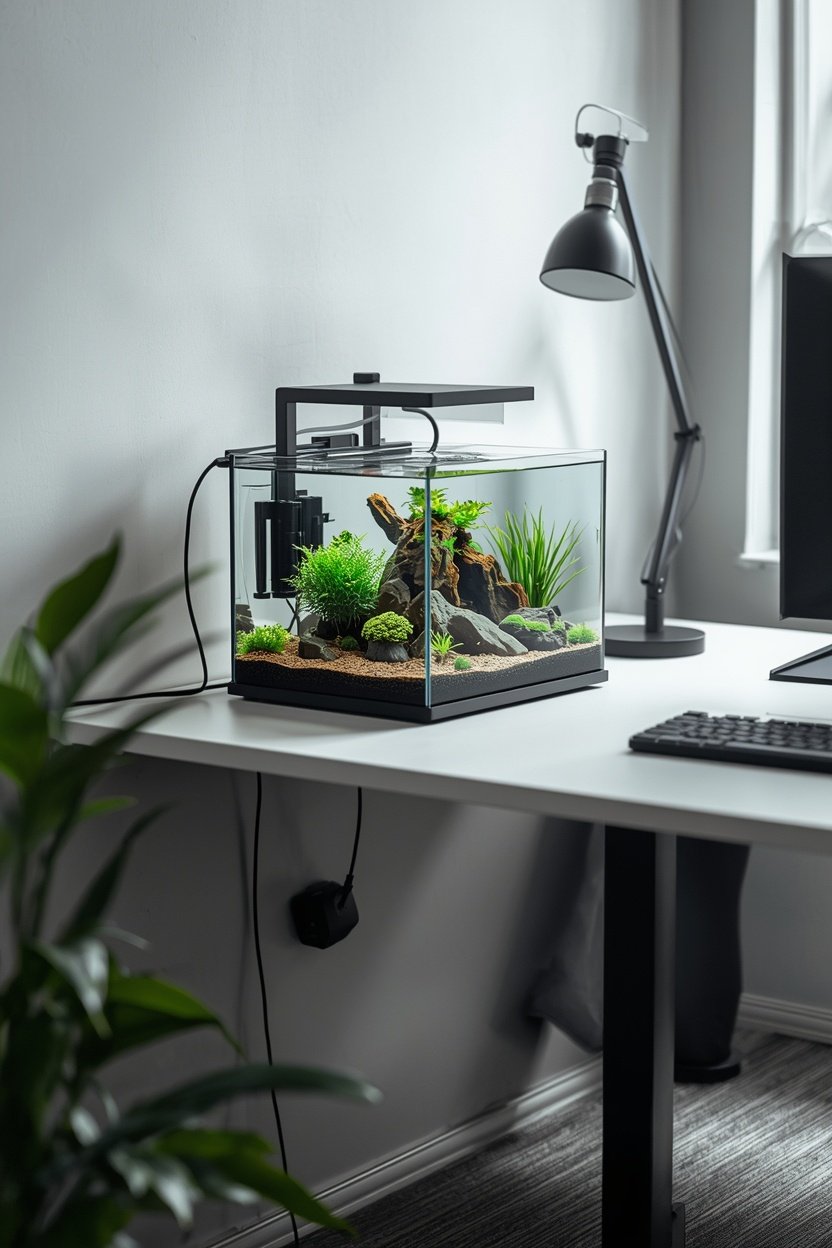
An aquarium's equipment — filter, heater, light, air pump — comes with cords and, in some cases, operating noise, both of which can undercut a clean, focused home office environment if left unmanaged. Routing all cables through a cable sleeve or along the back edge of the desk or stand keeps the visible setup as clean as the rest of your workspace, avoiding a tangle of visible wires competing with your monitor and keyboard cables.
Noise matters just as much during focused work or calls, so choosing a quiet internal filter or sponge filter over a louder hang-on-back model prevents distracting splashing or humming during concentrated tasks or client meetings. A small equipment upgrade here often makes a bigger difference to daily focus than any purely visual decor choice.
Finally, consider a simple timer for your aquarium light so it automatically syncs with your typical office hours, giving the tank a consistent, professional appearance during the workday without requiring you to remember a manual switch each morning and evening.
Extra Tips for a Productive Office Aquarium
- Position it to the side of your main sightline. A tank directly in your direct line of view while working can become more distracting than calming during focused tasks.
- Choose calm, slow-moving fish. A betta or a small group of unhurried fish suits a work environment better than a constantly darting, high-energy school.
- Schedule maintenance outside work hours. Routine cleaning is easier to manage before or after your workday rather than squeezed between meetings.
- Test lighting during your actual work hours. Natural office light changes throughout the day, so check how your tank looks and photographs at different times before finalizing placement.
Final Thoughts
A modern home office aquarium is entirely achievable without sacrificing the clean, focused workspace you've built, as long as you plan around the specific demands of a work environment from the start. A sleek frameless tank, thoughtful camera framing, a monochrome palette, and tidy cable and noise management together create an aquarium that enhances your workspace rather than competing with it. Follow these four steps, and you'll end up with a tank that looks just as professional on a video call as it does in person.
Frequently asked questions
Will an aquarium distract me while working?
Most people find a calm, well-placed tank more soothing than distracting, especially with slow-moving fish and quiet equipment, though positioning it slightly outside your direct sightline can help if you're prone to distraction.
What's the best tank size for a desk-adjacent office setup?
A 5-to-10 gallon tank generally fits well near a desk without overwhelming the space, though the right size ultimately depends on your available surface area and the fish species you plan to keep.
How do I keep the tank from looking messy on video calls?
Test your actual camera framing before finalizing placement, keep equipment and cords tucked behind hardscape or routed discreetly, and favor a simple, monochrome layout that reads clearly even when slightly out of focus on camera.
